
Symbolics’ transcription features debuted last week, drawing substantial interest and feedback. Several of our customers have already implemented transcription into their production operations, and we are planning an ambitious development roadmap. This week, we are rolling out a series of enhancements directly based on customer requests.
Here’s what’s new in Symbolic:
Automatic Speaker Detection
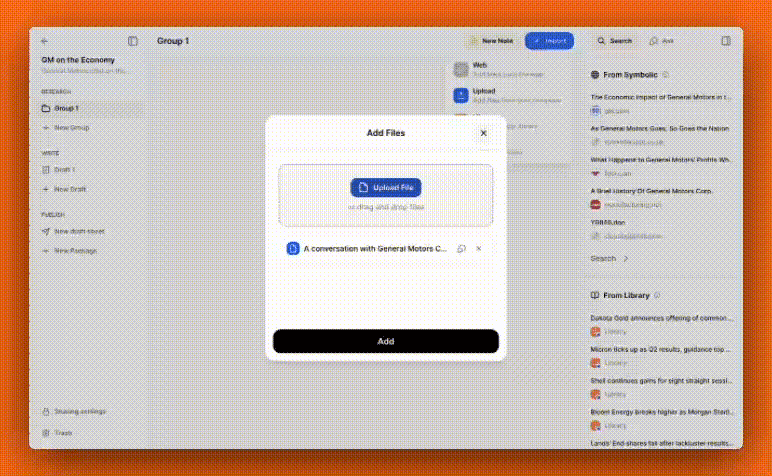
Symbolic now automatically detects and labels speakers. In audio files where speakers are identified by name, those names will replace generic labels such as “Speaker 1, Speaker 2.” As before, speaker names can be easily added or edited by clicking the label or name.
Improved Readability Transcript
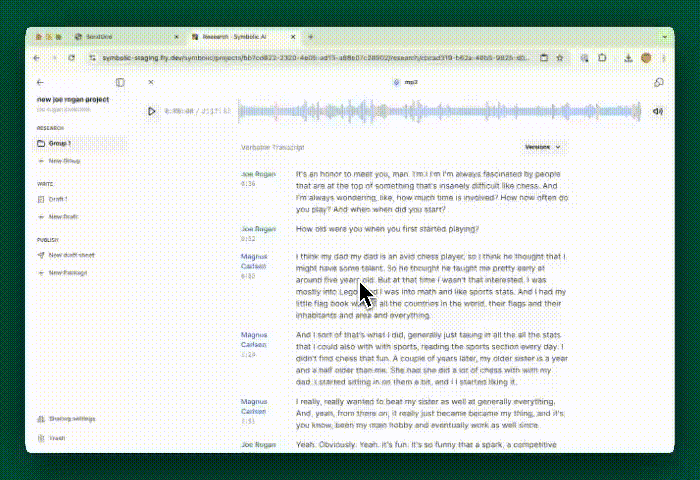
Symbolic now offers an “Enhanced Readability” version of every transcript along with the original verbatim version. The Enhanced Readability version omits filler words and corrects grammatical errors while maintaining the speaker’s intended message. Simply use the version menu at the top of the transcript to switch between the versions.
Audio Playback Performance Enhancements
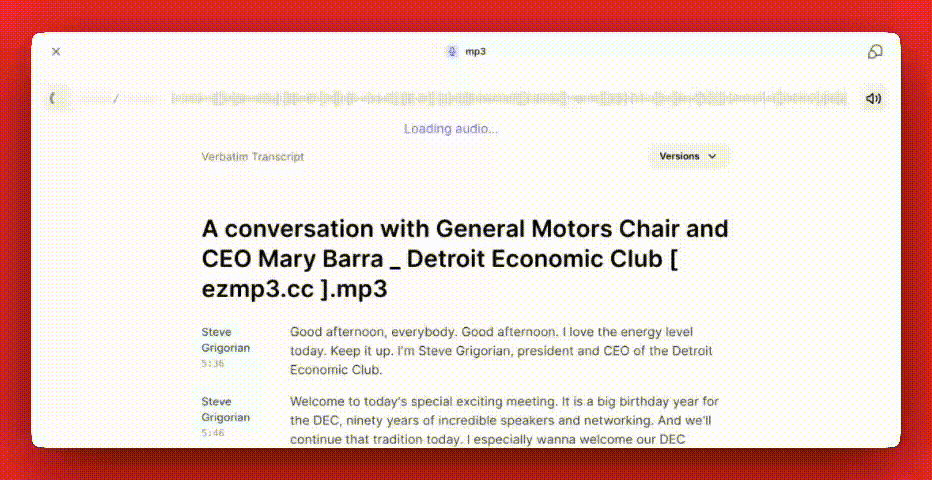
When a media file is uploaded to Symbolic, transcription is initiated automatically, appearing beneath the media player (which includes the original audio playback). This process now includes transcoding the file for fast access, eliminating load times while enhancing audio quality.
That’s it from us this week. We are always working to improve Symbolic and make your experience more efficient and enjoyable. We would love to hear your feedback and any suggestions you may have for future updates. Don’t hesitate to reach out to team@symbolic.ai.