Summer is here, but we’re not slowing down. This week we are debuting a series of new features based directly on customer feedback and requests. Enterprise customers of Symbolic have access to a world class engineering and product team whose mission is to bring advanced AI technologies into practical, real-world communications and publishing applications. A key aspect of that mission involves closely observing how our customers work, how they use Symbolic and how we can enhance their productivity. We encourage you to reach out anytime to share your thoughts and suggestions.
Here’s what’s new in Symbolic:
Preview
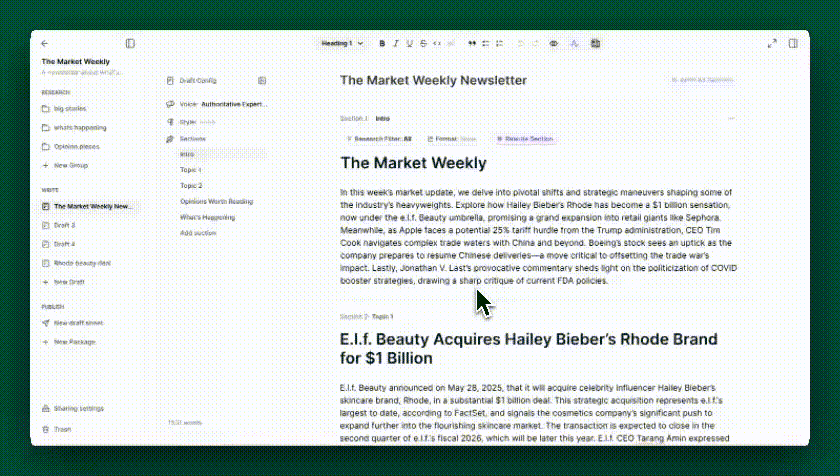
The Symbolic Editor handles complex multi-format drafts by providing controls at the section level. Now, working with a multi-section draft is easier than ever. Preview mode removes all of the menus and sections guides (but retains the ability to edit). This will show a document as it will appear when it is exported from the platform, the way readers will experience it. Preview facilitates final editing and formatting and eliminates the need to jump back and forth between a working, editable version and a view only final draft. Just click on the newspaper icon at the top of the Editor to toggle in and out of Preview mode.
Large, Complex Document and PDF Handling
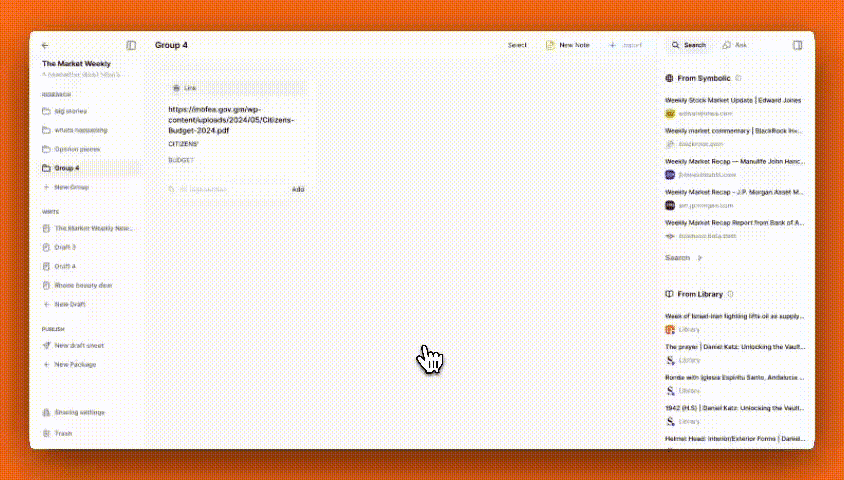
Handling large and complex documents like financial filings or research reports presents a significant challenge for advanced AI models. Attempting to import an extensive 10-K EDGAR filing in PDF format, a bond offering Prospectus, or a complete analyst research report into tools like ChatGPT or NotebookLM often results in errors or data loss . Symbolic has been working on this problem continuously since it is a frequent request from our customers. Now, we have introduced a significantly improved way of handling this class of documents. By separating the document into smaller parts, cleaning each part using structured outputs, and making multiple passes, Symbolic enables many more large and/or complex documents to be successfully imported with high fidelity. Customers can then perform the full suite of AI research and writing actions on those documents. Given the significant time and effort it takes to work with these documents manually, using Symbolic can be a breakthrough in productivity and efficiency.
Custom Writing Instructions
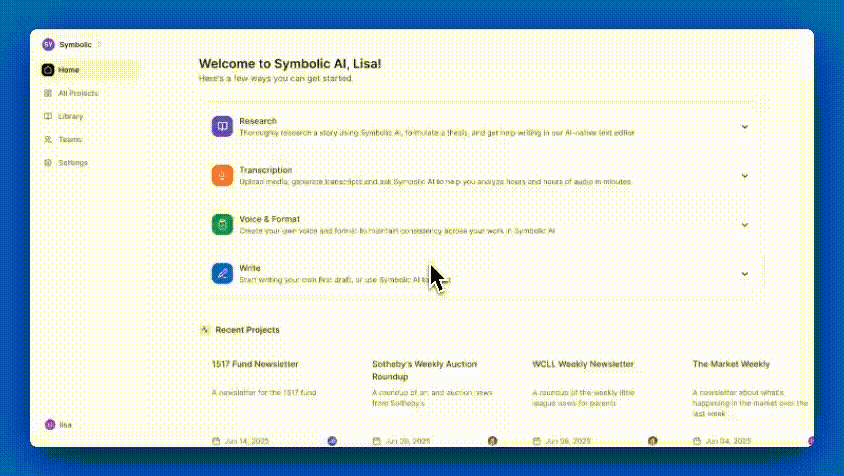
Some customers have created a custom set of prompts or instructions related to AI writing that they apply to many of their projects. These instructions may relate to very specific writing guidelines in addition to format or voice presets. Now, those instructions can be saved and applied to every future project without having to re-input them. Simply go to the settings tab, and click on “write instructions”. The custom instructions can be input, saved, and will then be applied prospectively to every project.
That’s it from us this week. We are always working to improve Symbolic and make your experience more efficient and enjoyable. We would love to hear your feedback and any suggestions you may have for future updates. Don’t hesitate to reach out to team@symbolic.ai.