
We are excited to introduce to professional publishers the first native AI newsletter and briefing builder.
For over 6 months, Symbolic has been in discussions with corporate communications professionals, news and publishing organizations and individual writers who distribute regular updates, reports, newsletters, or briefings typically via email or websites. What we heard is that the process is time-consuming and labor-intensive, especially for complex, multi-section content. Current tools fall far short, and for teams that work collaboratively, it can be even more cumbersome.
That feedback led Symbolic to experiment with the frontier of LLM and software capabilities to harness their respective strengths in service of fully automating the production process. The result—a service that slashes the production burden, enhances brand voice and consistency, and delivers high quality professional content at a fraction of the cost.
Symbolic now provides publishers the ability to easily compile source content, set up distinctly formatted sections, assign the right content to the right section and dynamically assemble a high quality newsletter. Symbolics’ AI handles even the most complex multi-part drafts, making the entire production process significantly more efficient and enjoyable.
We anticipate substantial interest in this service, and will hold an open demo and Q and A session on Thursday, May 29 at 4pm EST (details to follow) to go through this new capability in more detail.
Here is a short overview of how it works:
Assembling And Organizing Source Content
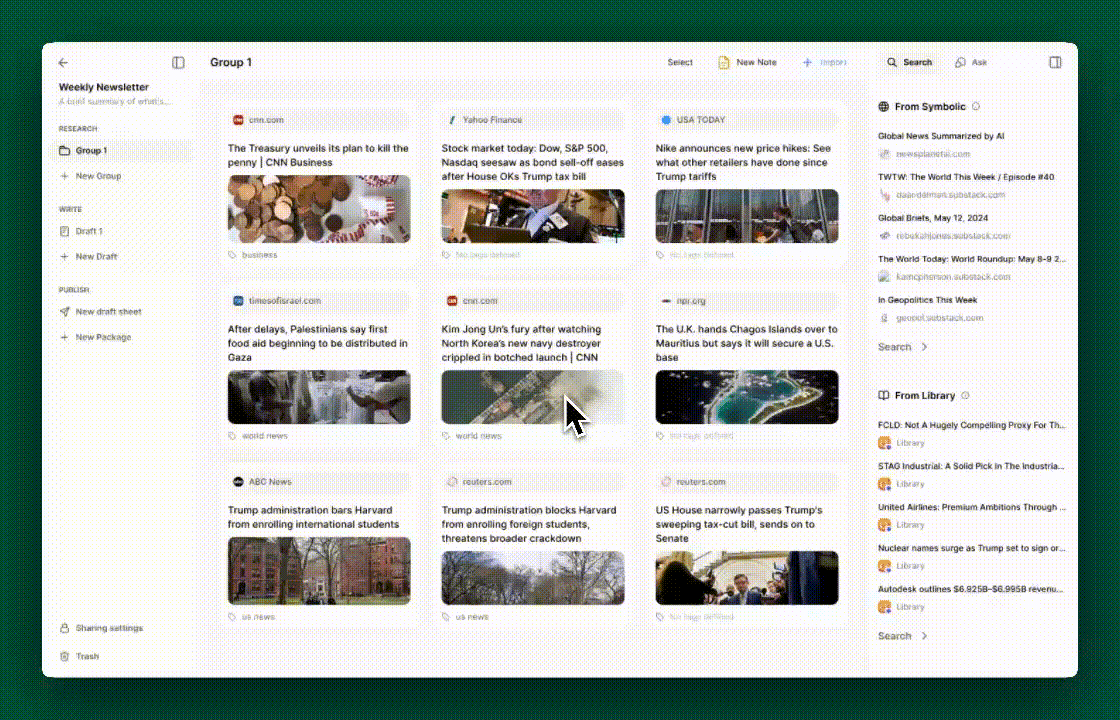
The first step to building a newsletter or briefing is to assemble its source content. Symbolics’ research space is the perfect place for an individual or a team to curate that supporting material. Those sources can be previously existing or newly created, and can be imported through links, files, original notes, or through the Library (similar to any project on Symbolic). Team workflow is optimized; any member of a Team can add content, and then comment on or tag that content.
Tags are the mechanism by which Symbolic assigns certain research to specific sections of the newsletter. Research can be labeled with any desired tag name, allowing for consistent reuse of those tags across other content items. For example, a set of tags might be named “Opening Section”, “Quick Link Summaries”, and “Analysis”. Symbolics’ Editor will take the research with those tags and seamlessly match it to the appropriate newsletter sections (more below).
Creating Newsletter Sections With Distinct Formats
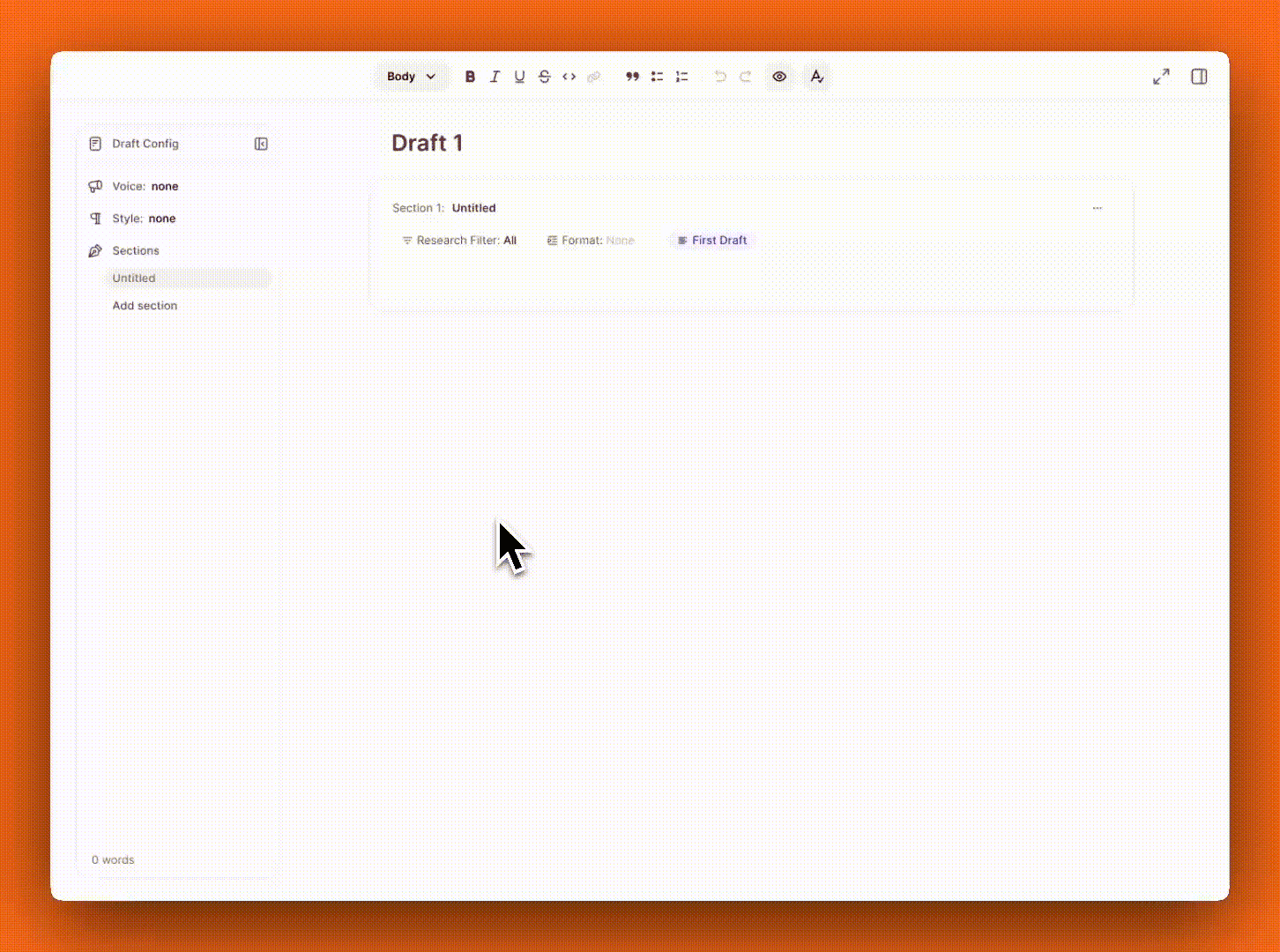
The Symbolic Editor now allows a user to create and use Sections. Sections are discrete blocks of the content that have a unique format. A typical briefing might contain a comprehensive summary of an article in the lead section, a single impactful data point in another, an amusing anecdote in a third, and a series of curated links with short summaries in a fourth. Each of those sections can now be defined up front and then assembled into a coherent whole. Simply click into the format menu within a Section, and either apply a preset Format or create a new one. Each Section gets its own distinct Format, as easy as selecting from a menu. With the building blocks set up and saved, every instance of creating a newsletter is as simple as assembling the building blocks.
Symbolics’ New Standard Voices/Formats
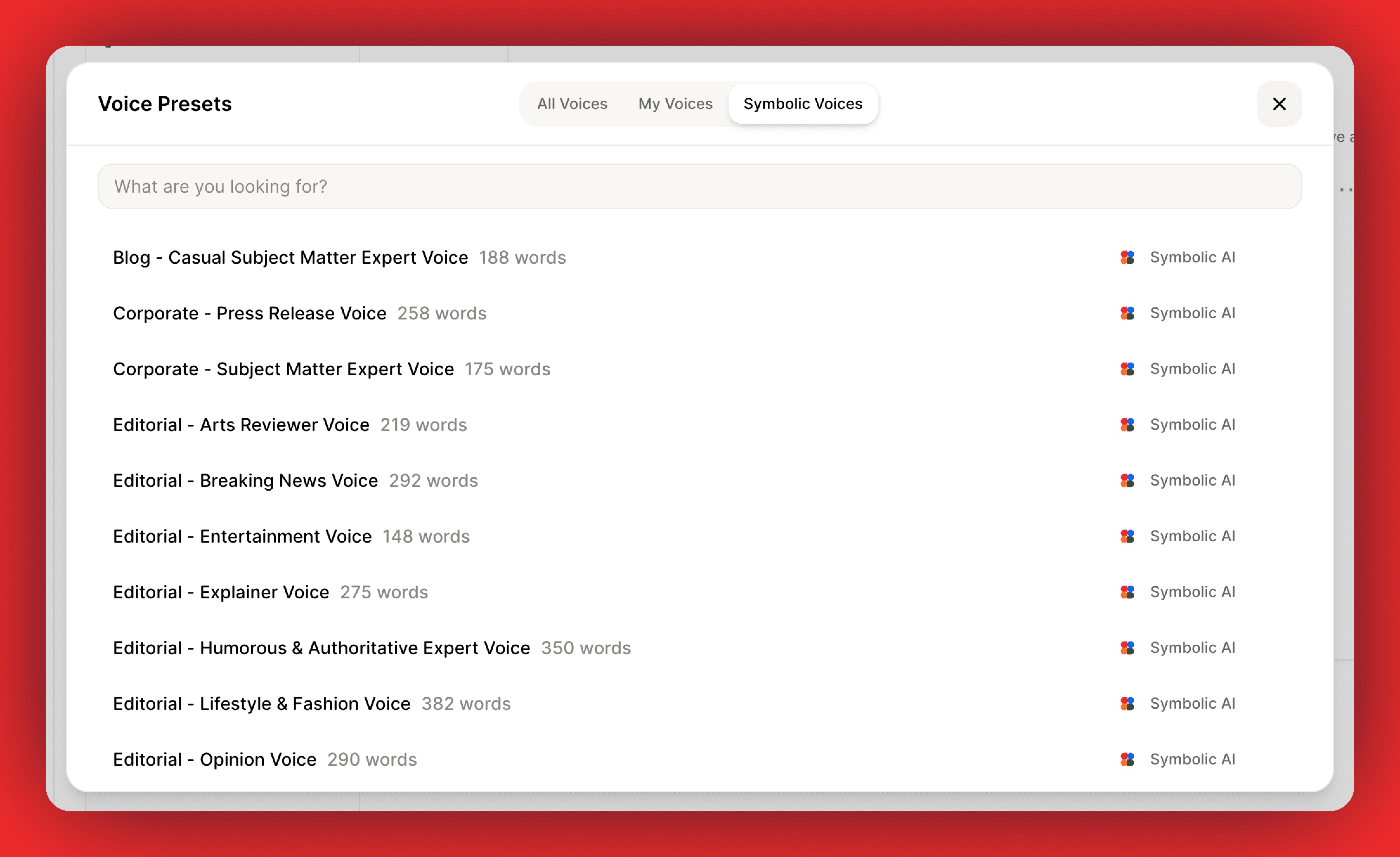
The modal that facilitates the creation of Voices and Formats now provides a new space to access all of those saved instructions. You can view “All” saved Voices and Formats, “My” saved ones (which are those you’ve personally created), or “Symbolic” Voices/Formats. The Symbolic presets are pre-configured instructions that cater to a variety of scenarios, including building blocks for newsletters. These presets can be selected and applied directly, and once applied, they can be customized further, re-saved, and reused. The Symbolic examples provide an excellent starting point, encouraging writers to experiment and adapt to any context required.
Assigning Research To Sections; Generating a Newsletter.
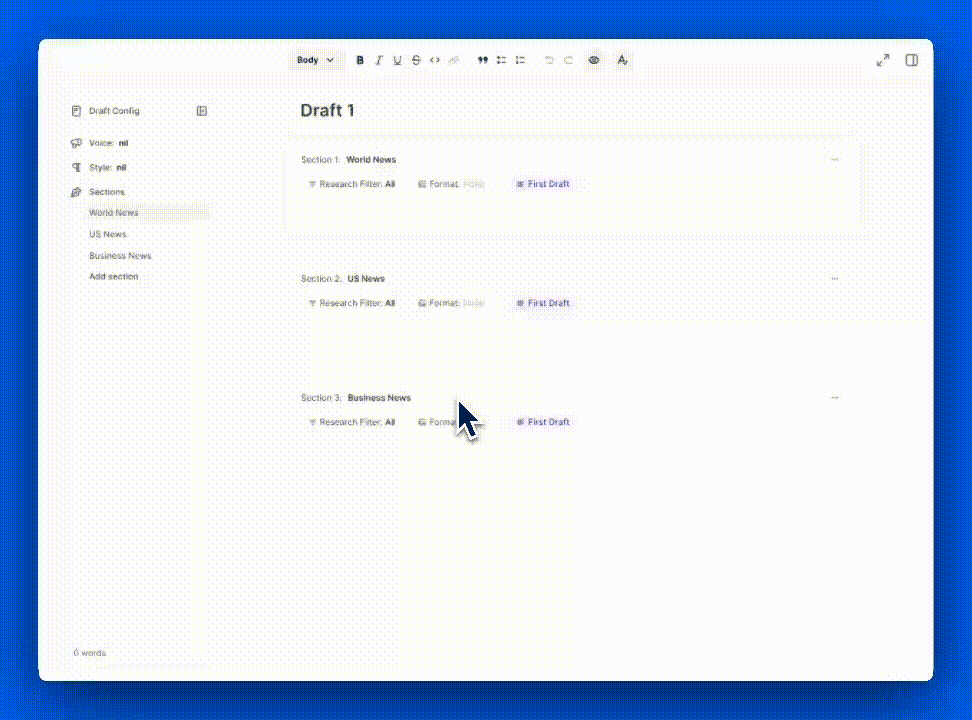
Each Section allows filtering research to specific tags. Once the filter is set, the AI for that Section will only consider the research with those tags. This method is quick, straightforward, and transparent, ensuring that source material is placed accurately. The AI then applies the appropriate voice and format to each Section. Once all the Sections have formats and assigned research, generating a draft is as simple as clicking “write first draft”. As with any draft within Symbolic, that draft can then be edited or modified as needed. The process of going from source content to a high quality newsletter typically takes under a minute.
That’s it from us this week. We are always working to improve Symbolic and make your experience more efficient and enjoyable. We would love to hear your feedback and any suggestions you may have for future updates. Don’t hesitate to reach out to team@symbolic.ai.