This week we are introducing a series of customer experience enhancements. You will find a re-platformed research experience which is more performant, more powerful, and easier to navigate. In addition, we have introduced a new Symbolic Homepage. The Homepage includes a set of “Quick Guides” that provide easy reference for customers who want to get started, or to broaden their knowledge of the platform, as well as convenient jumping off points to key projects.
Here’s what’s new in Symbolic:
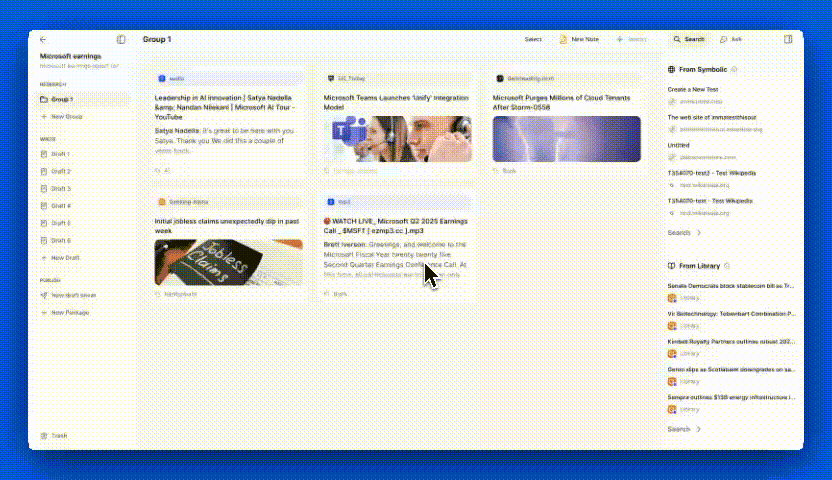
New Research Grid
The Symbolic Research grid has received several updates aimed at enhancing the user experience. First and foremost, users will experience a marked increase in speed and responsiveness, especially valuable when handling multiple documents or files within the Research space. Actions such as selecting assets for AI actions, retrieving documents for reading, and loading assets via the Import menu are now nearly instantaneous. Additionally, design modifications have streamlined the processes of researching, searching, and organizing content, ensuring a cohesive workflow.
Research assets can now be organized using tags. By clicking the “Add” button, users can apply tags to any asset within a project. Each newly created tag will be visible across every asset, allowing for reuse, or users can generate new tags for additional categorization. In the future, tags will assist in organizing and managing research, particularly for certain types of content production. Further details on tag utilization will be shared in the coming weeks.
Homepage
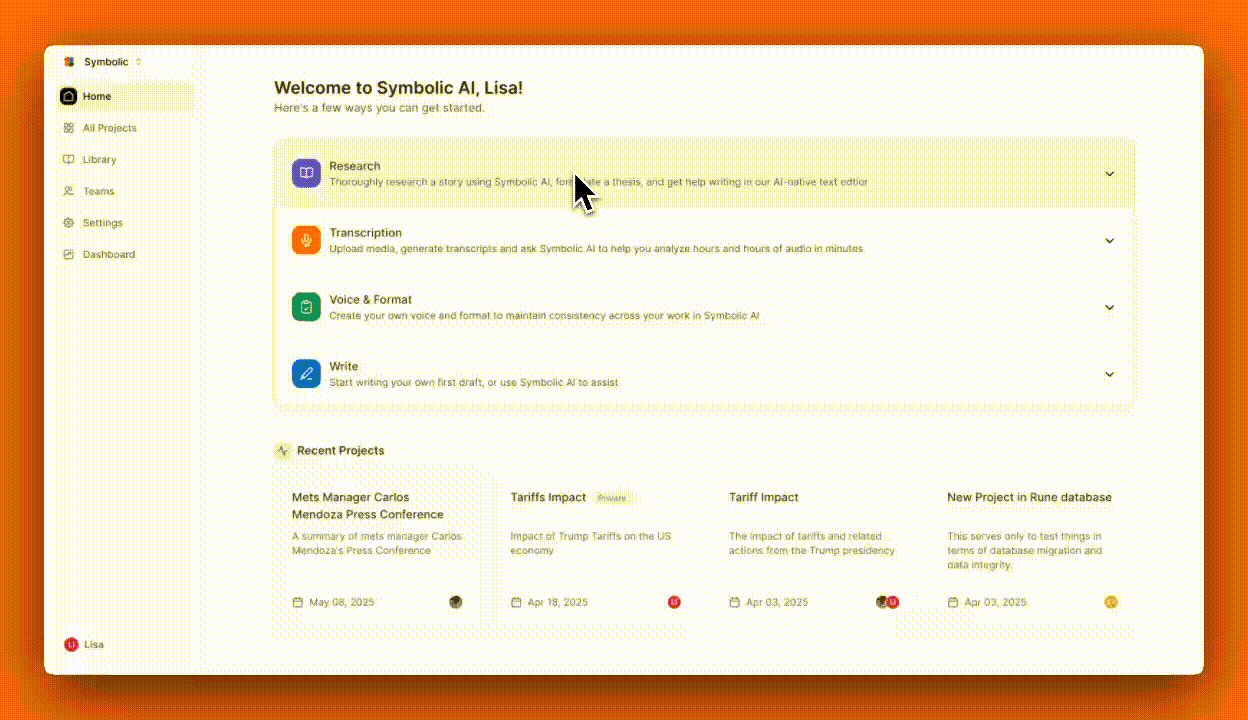
Symbolic has introduced a new Homepage designed to serve as a welcome screen for both new and existing users. As the first thing you’ll see upon logging in, the Homepage will evolve to feature an array of shortcuts and actions. Initially, it provides access to Quick Guides and Recent Projects, offering an efficient starting point for reference or for jumping straight to the right place in your Projects.
Quick User Guides
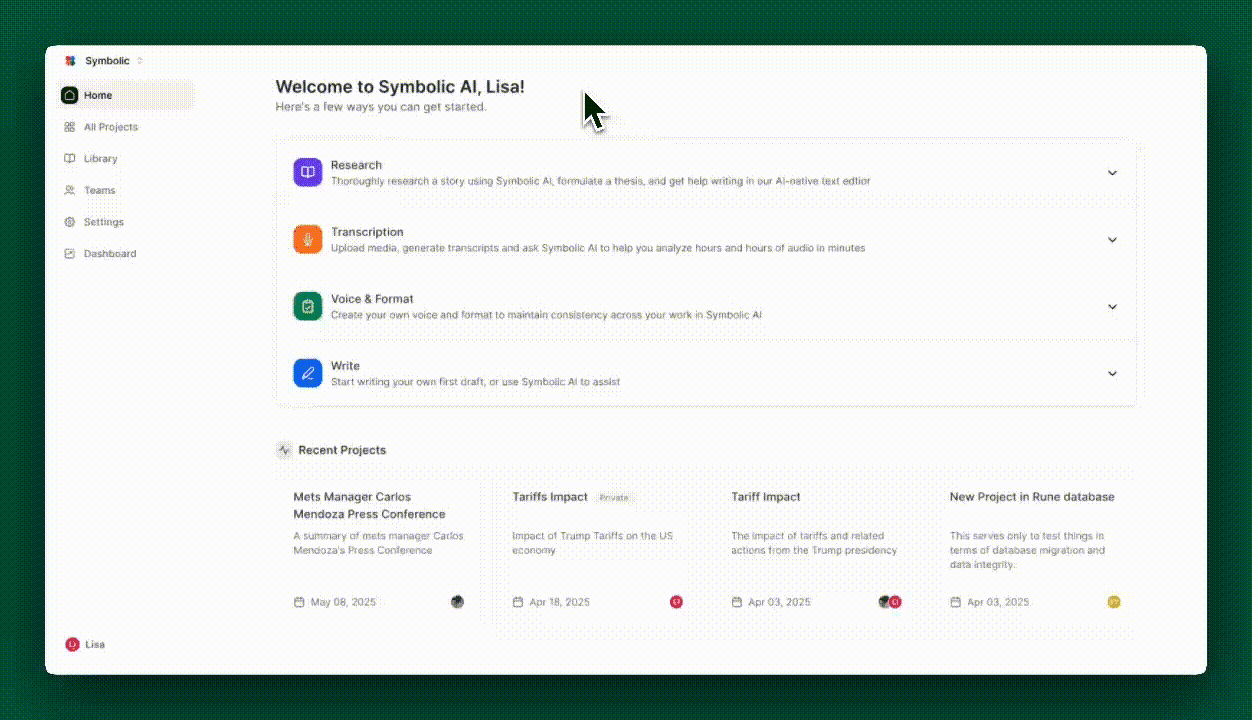
The revamped homepage prominently features a collection of Quick Guides. These short tutorials provide step-by-step interactive examples that demonstrate how to use core functionality of Symbolic, such as conducting research, transcribing, configuring voice and formats, and employing AI in writing tasks. Additional guides are set to be introduced progressively. We invite you to share your suggestions for future Quick Guides and helpful content.
That’s it from us this week. We are always working to improve Symbolic and make your experience more efficient and enjoyable. We would love to hear your feedback and any suggestions you may have for future updates. Don’t hesitate to reach out to team@symbolic.ai.