Here is a short list of recent notable AI developments that we think professional writers and publishers should be paying attention to:
Google Legal Issues Compound. A second federal judge has found that Google has a monopoly in ad tech and a partial breakup of the company is now a real possibility. TL/DR analysis: Google has been trying to tie together AI across its asset portfolio. That is increasingly unlikely and Publishers should position for a scenario where assets are separated.
Tariffs and AI. New tariffs on semi’s and new restrictions on export will further divide the world and create an East/West AI race with diverging approaches. TL/DR Analysis–regardless of whether a tariff deal is struck, decoupling continues. Any reliance on chips, models, or partners must consider the clear geopolitical direction.
WaPo and OAI.The Washington Post has announced a partnership with OpenAI to feature content in OAI’s search results. TL/DR Analysis: Publishers should do deals with frontier models to get their content authorized, paid for, and utilized. This is one part of a multi-part Publisher AI strategy that we have written about previously.
And here’s what’s new in Symbolic:
Symbolic Chrome Extension
Various internet hosting platforms like Cloudflare are actively blocking sites from AI-related domains or actions. At the same time, Symbolic is a publisher-first platform that respects paywalls and intellectual property rights and does not access unauthorized content. The Symbolic AI Chrome extension (a Google approved extension available in the Chrome store) considers both of these factors, making it easy for individuals to seamlessly import content that they already have access to from the web. Working with either your logged-in accounts or freely available content sites, it removes the need for copying and pasting and imports web links quickly and seamlessly into your Library or your Projects. This facilitates the use of content that you have paid for, eliminates host blocking issues, and simplifies managing source content. We encourage any of our users that regularly import source content to download and use the extension (as below).
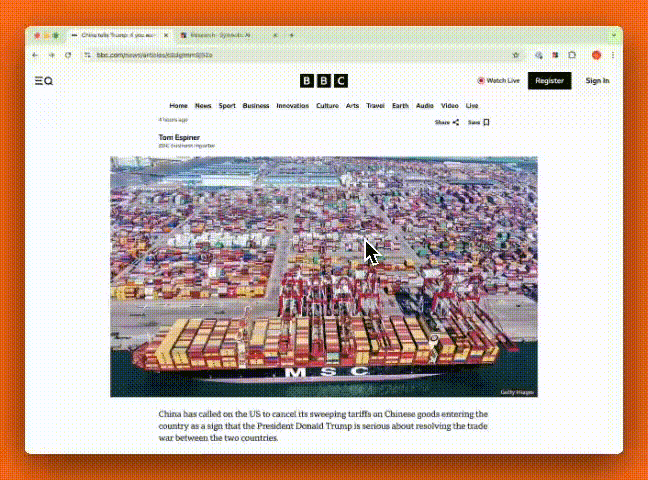
How use the Chrome Extension:
Download the Symbolic extension here:
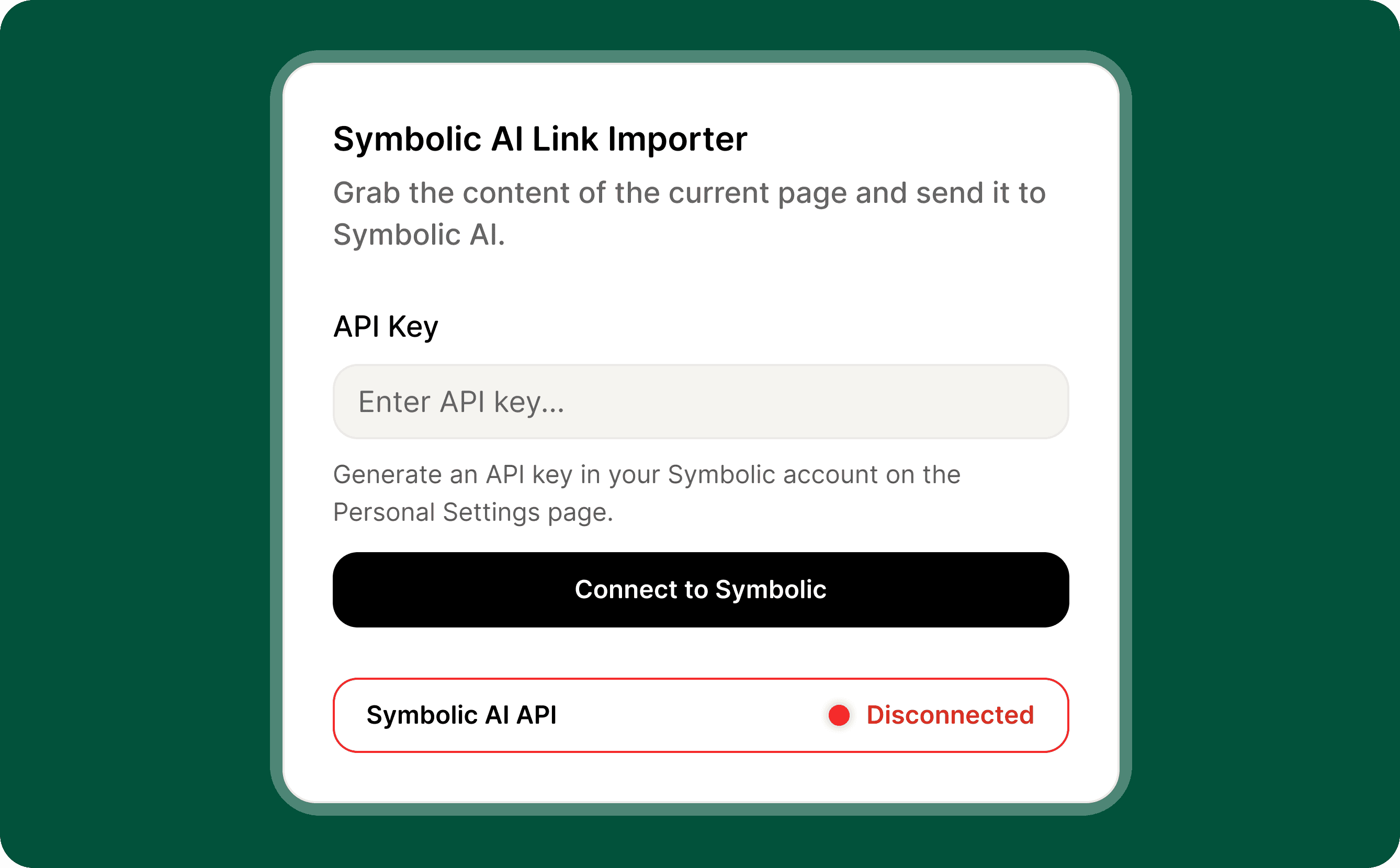
Then go to your personal settings page in your Symbolic account and generate an API key.
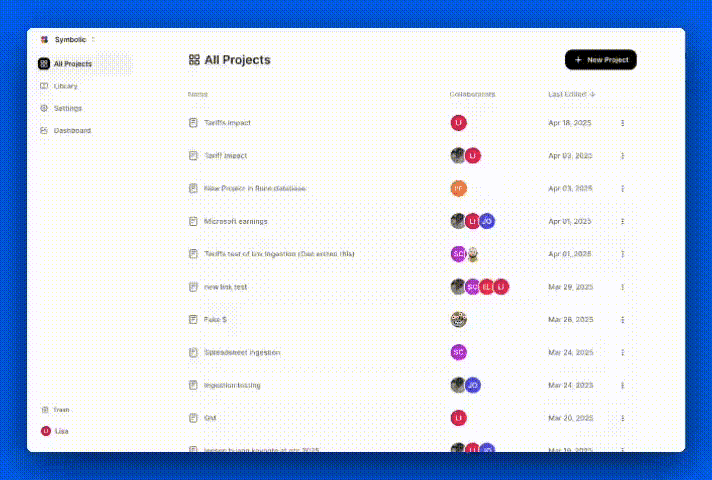
Once launched, the Symbolic AI Chrome extension will ask you to connect your Symbolic account. Simply paste in your API key, and you’ll be able to import content directly into a Project or your Library with one click.
Don’t forget to pin this extension to your toolbar for easy access.
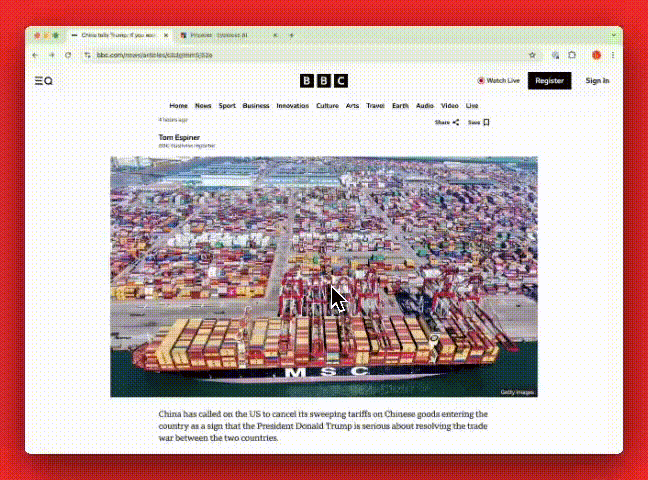
How To Import Content Using the Extension
Once you’ve installed the Symbolic AI extension and connected it to your account, click the extension icon to open it and then it is simple to send any page “to Library.” or to a specific Project.
That’s it from us this week. We are always working to improve Symbolic and make your experience more efficient and enjoyable. We would love to hear your feedback and any suggestions you may have for future updates. Don’t hesitate to reach out to team@symbolic.ai.